How to buy and install BeamNG.drive on Epic Games Store
Buy BeamNG.drive on the Epic Games Store: create an Epic account, install the Epic Games Launcher, purchase the game and install it from your Library.This article is part of Where to buy BeamNG.drive.
Registering with Epic Games Store
- Go to: https://store.epicgames.com/
- Click Sign In -> Create Account -> Fill in your details
Installing Epic Games Launcher
- Ensure that you are logged in as an administrator on the machine which you would like to install Epic Games Launcher on
- Go to
https://store.epicgames.com/ and click
Download
If you encounter any issues with your installation, please try Contacting Epic Games Support for assistance.
Purchasing the game
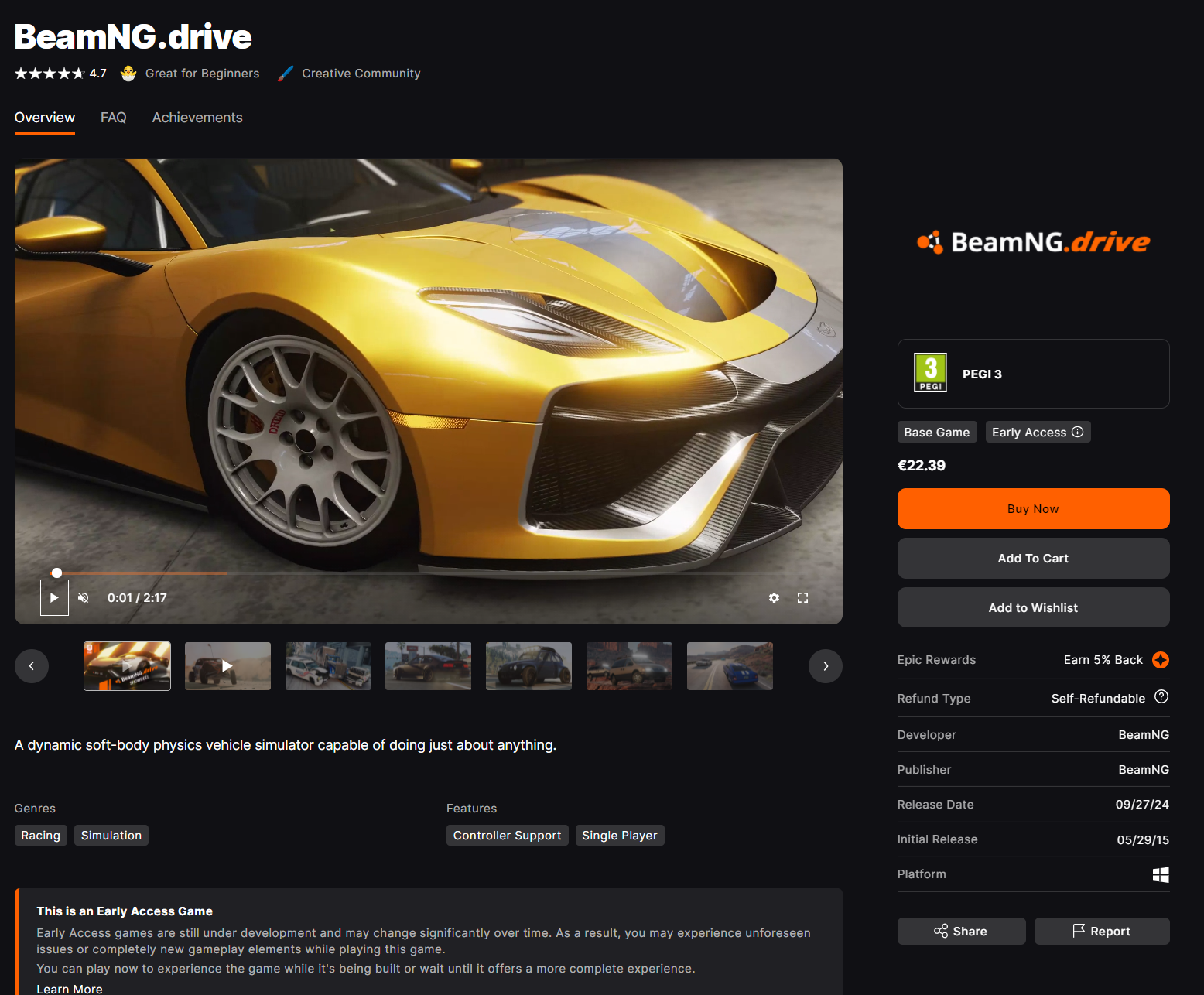
- Go to: https://store.epicgames.com/p/beamngdrive-7f5f3a
- Add BeamNG.drive to your cart
- Click Check out in your cart
Installing the game
- If Epic Games Launcher isn’t running already, launch it
- Navigate to Library
- Select BeamNG.drive from the list
- Click Install
Still not working?
If you have any issues with your purchase, please contact us via the support form.
Last modified:
October 6, 2026
Was this article helpful?
More in “Buying the game”
All articles →
Buy on SteamBuy BeamNG.drive on Steam: create a Steam account, install Steam, purchase the game and install it from your Steam Library, step by step.
Buy on Humble BundleBuy BeamNG.drive on Humble Bundle: get your Steam key or DRM-free download, claim your download page, and re-send a lost Humble Bundle key.
Bought on a key site?BeamNG is only affiliated with Steam, Humble Bundle and Epic Games Store. Bought a BeamNG.drive key from another store or reseller? Request a refund.