Safe ModeHow to start BeamNG.drive in Safe Mode from the launcher to check whether mods or settings cause crashes, and what to do next.
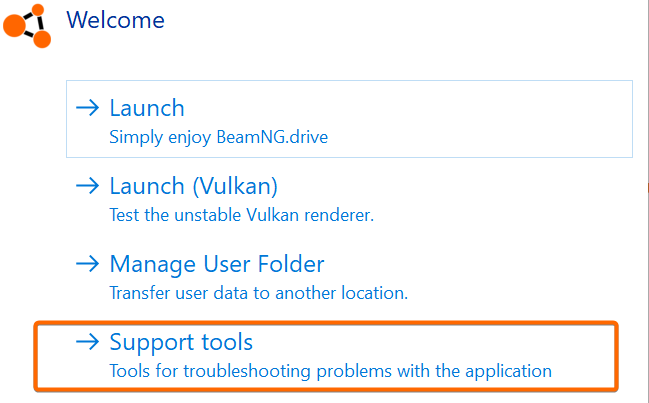
Clear CacheHow to clear the BeamNG.drive cache in the launcher (Support Tools > Clear Cache) to fix broken textures, maps that won’t load and mod issues.
Verify IntegrityHow to verify BeamNG.drive game files in the launcher, Steam or Epic Games Store, and reinstall the Humble Bundle version, to fix corrupted files.
Gathering Logs (Support ID)What a Support ID is, how to collect your BeamNG.drive logs (launcher logs, DxDiag, game logs, mods list) and why support asks for it.
Clean InstallHow to perform a clean install of BeamNG.drive on Steam, Humble Bundle or Epic Games Store, and how to back up your files first.
How to report issuesHow to report a bug, crash or other problem in BeamNG.drive: what to check first (Safe Mode, Known Issues), crash reports, forum reports and contacting support.